Vertical Anchor Layout
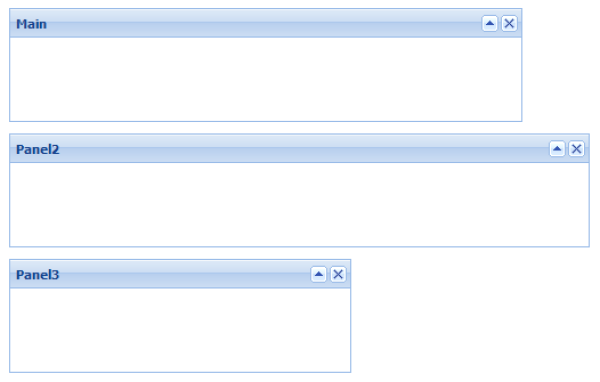
In a vertical layout content panels are placed underneath each other – see image right.
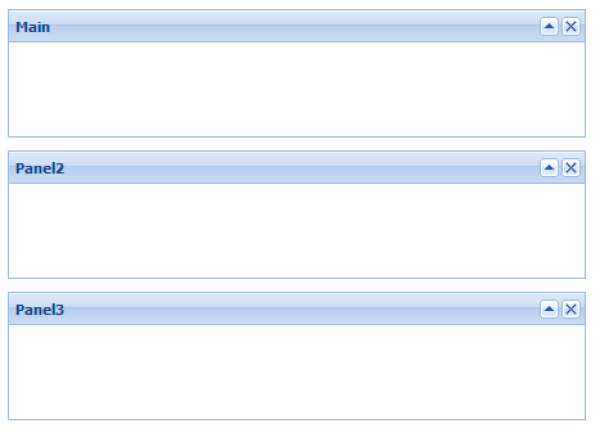
You can control width and height of each content panel individually or you can set the “Anchor” property of each content panel. The anchor indicates how much space the horizontal direction the content panel will occupy relative to the space occupied by the panel.
On the image right the width of the first panel is set to 450 pixels, the width of the third panel is set to 300 pixels and the anchor of the second panel is set to 40% (of the available width). The height for each panel is set to 100 pixels.