Column Layout
In the column layout content panels are arranged in columns (see the picture below).
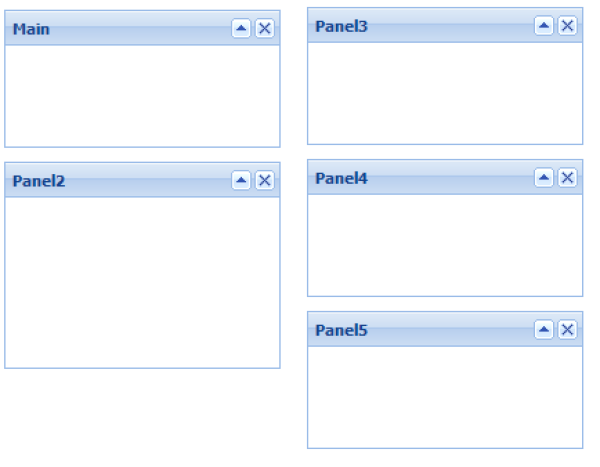
Note that each column is laid out independently of other columns. This means that there is no guarantee that the second content panel of the first column will line up nicely with the second content panel of the second column (it depends on the heights of the first panel in each column). To line up content panels in rows and columns use the Table Layout.
AwareIM traverses content panels from the top panel in the table of content panels to the bottom panel. Wherever there is a column break, AwareIM starts a new column. To indicate a column break select Yes for the “Last in Column” property of the last content panel in each column (you don’t have to do it for the last column). You can also indicate the column width of each column as a percentage of the available width. To do this set the corresponding value into the Column Width property of the content panel.